Muv-Luv Girls Garden How to Redeem Codes
Find Enter Code, claim the mailbox, and troubleshoot failed strings on Steam global.
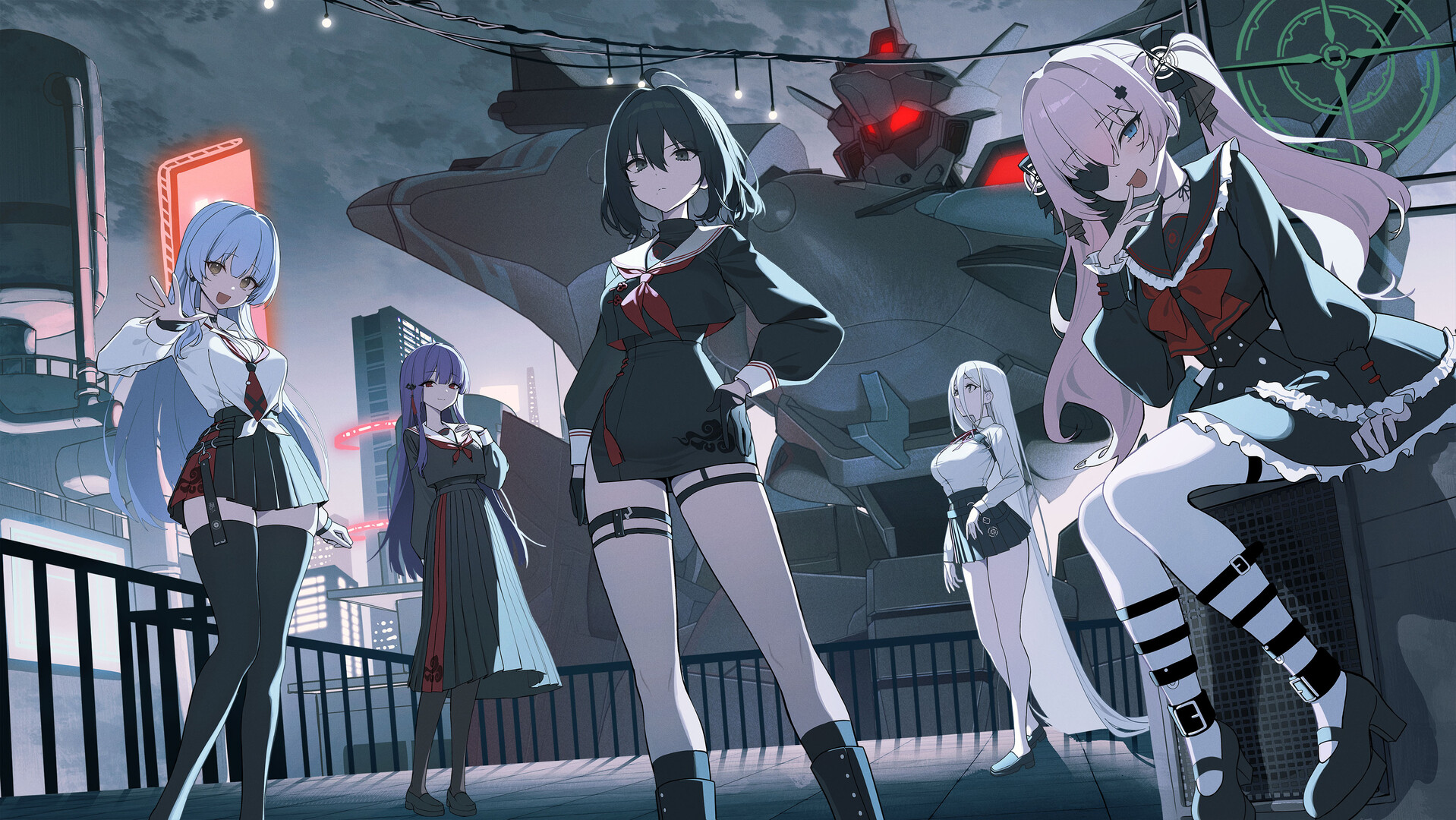
Redeeming a code in Muv-Luv Girls Garden is simple once the UI unlocks, but launch week confusion is common: some players hunt for a web form while the gift sits one menu deep in the client, and others paste a DMM string into Steam. This guide walks the Steam global path (App ID 4789870), explains how serials differ from public promo codes, and covers the errors you will actually see.
Before you start, skim the live list on the Codes Hub. Every string there is framed as community-reported — this page only teaches how to redeem, not whether a specific code is still alive.
Prerequisites
- A Steam account owning / playing the free-to-play global client
- Progress far enough that account systems (mailbox, shop, or settings) are reachable — usually after early prologue beats
- Recruit unlocks after prologue 0-8; you do not need Recruit open just to redeem, but you will want it before you spend ticket rewards
- Stable connection; failed submits sometimes look like dead codes
If you are brand new, clear the opening beats with Getting Started first so menus are not still tutorial-locked.
In-game Enter Code path
- Launch Muv-Luv Girls Garden from Steam and wait for the lobby / academy hub to load (Zar’tum Academy UI).
- Open the menu cluster that contains Shop, Mailbox / Gift, or Settings — launch UI labels can shift with localization, but look for Enter Code, Redeem, or Serial Code.
- Tap Enter Code and paste the string exactly. Do not add spaces. If the field is case-sensitive, match the published casing (
GIRLSGARDEN,DAYBREAK, and similar). - Confirm. A success toast should mention gems, tickets, or a mail delivery.
- Open Mailbox / Gift Box and claim. Many rewards never appear in inventory until you claim them.
- Double-check currency totals, then leave the menu. Avoid starting a gacha animation mid-claim.
If the client links an official web form, you may need to sign in with the same platform account bound to Steam. Prefer the in-game path when both exist — it reduces account-mismatch mistakes.
Public codes vs paid serials
| Type | Example pattern | How it works |
|---|---|---|
| Public promo | GIRLSGARDEN, TGS2026IZANAMI | Shared widely; may have redemption caps or expiry |
| Community wave | MUVGGC107, MUVGGELAB112402 | Circulating at launch; verify yourself |
| Purchase serial | Mellow Days key | Unique string → exclusive Memory; do not share |
Public codes belong on the Codes Hub. Serials from purchases are personal — redeem once, screenshot the success state, and store the key offline until the Memory shows in your collection.
Common errors and fixes
Invalid / not found — Typo, trailing space, or dead code. Re-copy from the hub, try again once, then assume expiry.
Already redeemed — This Steam account already used the string. Alts need separate Steam accounts; the game is single-player story plus async Online PvP, not local shared-session multiplayer account sharing.
Wrong platform — A DMM JP code will not save you on Steam. Global launched 23 November 2026 with EN/SC/TC UI and JP audio; it is not a mirror of the September 2025 Japanese client.
Region / build mismatch — Strings aimed at EROLABS mature 18+ (24 November 2026) or a later Patch X may not apply to the base Steam build. If the reward text mentions mature-only content, wait for the optional patch path rather than forcing the code.
Success but empty inventory — Check mailbox. If still empty, relog once. Persistent misses deserve a publisher support ticket with timestamps.
After you redeem
Stack code gifts with the fixed launch package documented in Launch Rewards. Tutorial recruit is fixed (Sirius Sugar SRs) — codes will not reroll that result. If you still plan a reroll for SS targets like Hiiro Sakakino or Evi Leenhardt, read Reroll Guide before you sink mining unlocks (~1-13) and Circle progress (~2-26) into the account.
Spend discipline matters more than the raw gem count. Use the F2P guide and Gacha Rates so a lucky code does not turn into a panic multi on the wrong banner.
Safety checklist
- Never pay a third party for “private codes” that are just public strings
- Never enter your Steam password on unofficial redeem sites
- Prefer official Enter Code UI or publisher-linked forms only
- Keep screenshots of successful serial redemptions for support
- Revisit the Codes Hub after patches listed on Updates
Related pages
- Codes Hub — current community-reported list
- Launch Rewards — fixed gifts vs promos
- Getting Started — unlock order
- Gacha Rates — where redeemed tickets go next
Frequently Asked Questions
Quick answers to the most common questions.
Where is Enter Code in Muv-Luv Girls Garden?
Look under the lobby menus near Shop, Mailbox, or Settings for Enter Code / Redeem / Serial Code. Exact labels can vary with EN/SC/TC localization.
Why did my code say success but I got nothing?
Open Mailbox / Gift Box and claim. Relog if the mail is missing. Serial Memories sometimes appear in collection only after a refresh.
Can I redeem the same code on Steam and EROLABS?
Treat each storefront as separate. A code written for one build may reject on the other, especially mature-tagged strings.
Do I need to unlock Recruit before redeeming?
No. Redeem as soon as the code UI is available. Wait until after prologue 0-8 before spending ticket rewards on banners.